
If you did not choose to add extensions or other ArcView components during the initial installation, they can be added later.
|
Note
|
On the Windows control panel select Add/Remove Programs and select ArcGIS Desktop from the program list.
The Add/Remove process displays the installation dialog box showing the current installation state. You can choose to install components not currently installed (noted with a red X). Components already installed can be removed. The Add/Remove state toggles the current state between installed and unavailable (remove) or unavailable and installed. It is not necessary to select or change the installation state of those components that you don't want to affect.
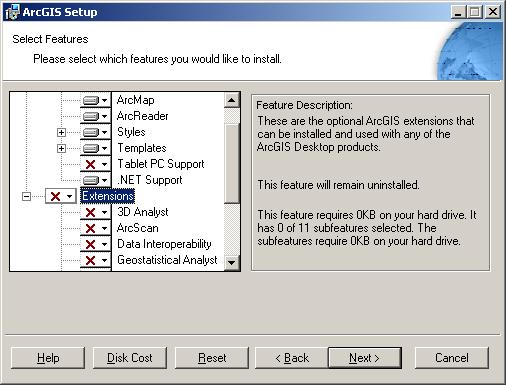
You can install the extensions; however, they only work if they are registered for use.